How to Understand the Numbers on Your Digital Display Charger?

Time:2026-08-21 Author:Isabella
0%

When using a digital display charger, many users often wonder, "What do the numbers on a digital display charger mean?" These numbers represent crucial data regarding charging rates, voltage, and overall battery health. Understanding these metrics is essential for maximizing device performance. According to a report by the Consumer Technology Association, nearly 50% of consumers do not fully understand these indicators, leading to improper usage and potential battery damage.

In recent years, the pivot towards smart charging technology has increased. Manufacturers now provide chargers with digital displays to help users monitor their devices effectively. Data from TechNavio suggests that the global market for smart chargers is expected to grow by over 25% annually. This uptick reflects a growing awareness of the need for informed charging practices. The numbers displayed can indicate current output, charging time, and power distribution — all critical for maintaining battery longevity.

However, many users face confusion despite the advancement in technology. Misinterpretation of numbers can lead to mistakes that may harm devices. A survey conducted by Battery University revealed that 30% of users were unaware of the importance of different voltage levels indicated on displays. This lack of understanding speaks to the need for better education on how to interpret these numbers accurately and safely, ensuring that users can fully leverage the capabilities of their chargers.
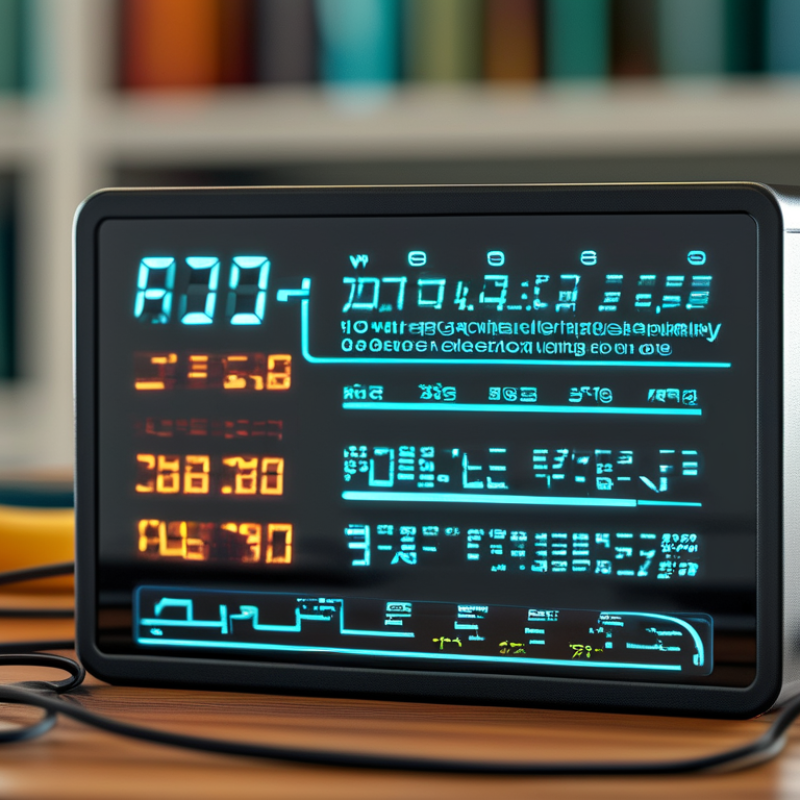
How to Understand the Numbers on Your Digital Display Charger?

Understanding the Basics of Digital Display Chargers

Digital display chargers have become common in our daily lives. They show various information, but understanding those numbers can be tricky. Many users feel overwhelmed by the digits. A closer look reveals that each number carries significance in charging processes. For example, voltage and current readings indicate how quickly a device is charging.

When you look at a digital display, focus on the voltage (V) and current (A). Voltage indicates the electrical pressure. Higher voltage means faster charging. The current shows how much electricity flows into the device. Most digital chargers support multiple devices with varying requirements, so these numbers vary. Adjusting settings might help in some scenarios, but not every user does this.

Some displays also show the remaining charging time. But this estimate might not always be accurate. Various factors, like the battery’s health and ambient temperature, affect charging times. Users should consider these parameters for realistic expectations. It's important to find a balance between fast charging and battery longevity. Understanding these basics leads to a better charging experience.

How to Understand the Numbers on Your Digital Display Charger?

Parameter Typical Value Unit Description
Voltage (V) 5.0 Volts Output voltage of the charger
Current (A) 2.1 Amperes Maximum output current
Wattage (W) 10.5 Watts Output power of the charger
Charging Time 1.5 Hours Time to fully charge a device
Compatibility Universal - Works with various devices

Key Metrics Displayed on Digital Chargers

Understanding the numbers on a digital display charger can be crucial for effective usage. A standard charger typically shows voltage (V), current (A), and wattage (W), which indicate its efficiency. For instance, a charger rated at 5V and 2A provides 10W of power. This insight enables users to gauge charging speed and compatibility with their devices, directly influencing battery health.

Voltage and current are perhaps the most critical metrics displayed. According to a report from the International Energy Agency, mismatched voltage can lead to inefficient charging, potentially harming the device. When using higher voltage chargers, ensure your device supports it. This can be a common oversight, leading to slower rates or even damage.

Monitoring wattage is also vital. Many users assume higher wattage always means faster charging. In fact, devices manage intake differently. For example, a device that can only accept 10W will not charge faster with a 20W charger. This disparity can frustrate users who expect quick results. Always refer to manufacturer guidelines for optimal performance. As technology advances, understanding these metrics ensures you maximize your device's charging capability.

Interpreting Voltage and Current Readings

Understanding the voltage and current readings on your digital display charger is essential for effective device charging. Voltage, measured in volts (V), indicates the potential difference supplied by your charger. Most modern devices require a specific voltage to function optimally. For example, smartphones typically use 5V, whereas laptops may require 20V. A mismatch can lead to inefficient charging or even damage.

Current, measured in amperes (A), refers to the flow of electric charge. It determines how quickly your device charges. A charger with a higher amp rating can charge a device faster, provided the device itself is compatible. According to industry reports, chargers rated at 2.1A can charge smartphones in under two hours. However, using a lower-rated charger with a high-demand device can slow down the charging process significantly, resulting in frustration.

These readings are not always straightforward. Sometimes, a charger may display a voltage higher than expected. This could indicate a problem or an incorrect setting. Keep in mind that chargers can sometimes overheat under heavy use, affecting their performance and safety. Regularly monitoring these readings can help you avoid such issues. Understanding how to interpret this data empowers you to make informed decisions for device care.

Identifying Charge Time Estimates on Your Screen

Understanding the charge time estimates displayed on your digital charger can enhance your charging experience. When you plug in your device, the screen often shows a time estimation for a full charge. This figure is based on the current charge level and the output capacity of your charger. However, factors like device usage and battery health can affect these projections.

It’s crucial to interpret these numbers carefully. Sometimes, you may notice the estimate changing while charging. This can be puzzling. If you use your device actively while it charges, the time may increase. On the other hand, leaving your device idle might shorten the estimated time. Each battery is unique, and its age plays a role in how quickly it charges. Users often overlook that older batteries may take longer, no matter what the estimate says.

While these estimates provide some guidance, they are not always accurate. Ambient temperature and battery condition can skew the results. A charger may claim to offer rapid charging, yet individual experiences may vary. Reflecting on these factors can help you better understand and manage your device’s power needs. Keep an eye on these factors to optimize your charging sessions.

Understanding Charge Time Estimates on Your Digital Display Charger

Common Issues and Troubleshooting Tips for Digital Displays

Understanding the numbers on your digital display charger can be a bit tricky. Many users face common issues that may seem daunting at first, but some troubleshooting steps can help clarify what’s going wrong.

When you notice a blinking display, it often indicates an error. Check the connection between your charger and the device. Loose connections can disrupt power flow. If your screen shows odd characters or flickers unexpectedly, a reset may be necessary. Disconnecting and reconnecting your charger can sometimes eliminate these glitches.

Temperature warnings are also common. If your charger feels too hot, it may shut down for safety. Allow it to cool before attempting to use it again. Keeping the charger in a well-ventilated area can prevent overheating. Ensure that the outlet or power source you are using is stable to avoid further complications. Always refer to your user manual for specific error codes and their meanings for additional guidance.

FAQS

: What are the key metrics displayed on a digital charger?

: Key metrics include voltage (V), current (A), and wattage (W). These indicate the charger's efficiency.

Why is voltage critical when using a charger?

Mismatched voltage can lead to inefficient charging. This may potentially harm your device's battery health.

Does higher wattage always mean faster charging?

Not necessarily. Devices manage wattage intake differently. Higher wattage doesn’t guarantee faster charging.

How can I estimate my device's charge time?

Charge time estimates are based on current charge level and charger output. They can fluctuate during charging.

Why might the charge time estimate change?

Active device usage can increase charge time. Conversely, leaving the device idle might shorten the time estimate.

Can battery age affect charging speed?

Yes, older batteries may charge more slowly regardless of the charging speed displayed.

Are charge time estimates always accurate?

No, various factors like temperature and battery condition can skew estimates. They are only a rough guideline.

What should I consider for optimal charging?

Monitor device usage, battery health, and ambient temperature. Each can influence your charging experience.

How can I ensure compatibility with my charger?

Always refer to your device’s guidelines to avoid inefficiencies or potential damage while charging.

Is there room for improvement in charging efficiency?

Definitely. Reflecting on usage habits and charger settings can enhance overall charging performance.

Conclusion

Digital display chargers provide crucial information about the charging process through numerical displays. Understanding the numbers on a digital display charger is essential for efficient usage. Key metrics typically shown include voltage, current, and estimated charge time, which help users evaluate the charging performance and efficiency.

Interpreting voltage and current readings can inform you about the power being supplied to the device, while identifying charge time estimates allows for better planning of your device’s usage. Additionally, knowing common issues, such as discrepancies in readings or display malfunctions, can aid in troubleshooting. By familiarizing yourself with these aspects, you can make the most out of your digital display charger.

Isabella

Isabella

Isabella is a dedicated marketing professional with a sharp focus on driving brand growth and engagement through strategic content creation. With an extensive background in digital marketing, she combines her passion for storytelling with her keen understanding of industry trends to deliver......